
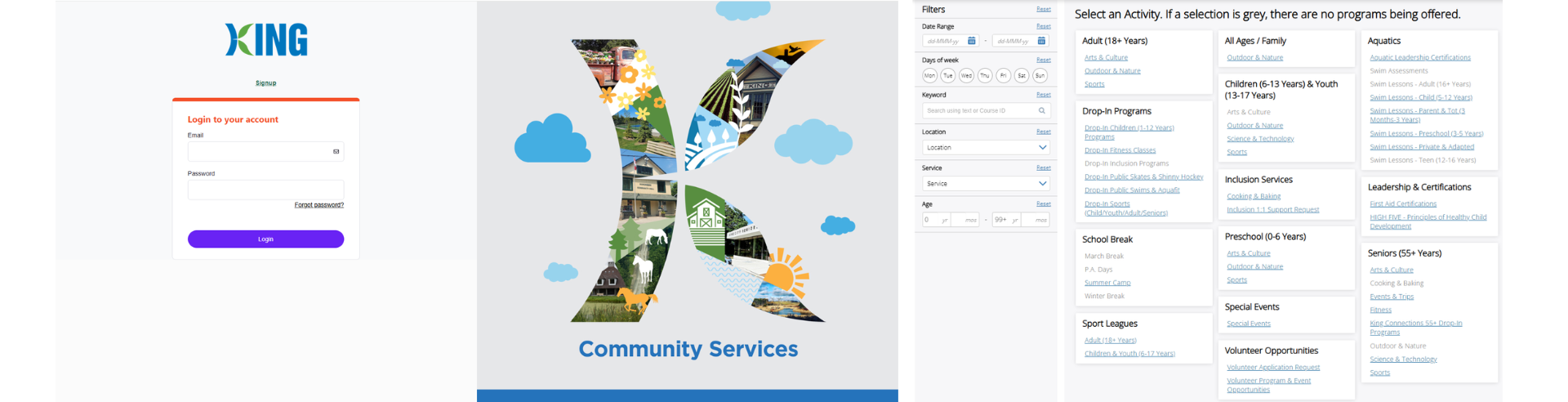
The most convenient way to register for your program or drop-in session is through our online registration software, Xplor Recreation. Create your Xplor Recreation acccount and take advantage of the many benefits today!
- Signup online for your Xplor Recreation account.
- Select the Programs tab to view courses and drop-in programs available for registration online.
- Select the Register button located on the program details page to begin the registration process.
- Withdraw online from your registered program or drop-in session.
- Select the Memberships tab to purchase a membership online or to renew your expiring membership.
- Select the Facility Rentals tab to check facility availability, or to book last minute ice or picnic shelters online.
- Registration for a program, membership, or rental is complete and confirmed once payment is made in full.
- Visa, MasterCard and AMEX is accepted through our online registration software.
- Edit your account information, manage family members, view schedules, and add Finance Info directly in your online account.
- Select Invoices to pay outstanding balances online, view registration confirmations, and print receipts.
Desktop Registration System How-To Guides
Explore how-to guides to learn how to manage your Xplor Recreation account and registrations.
Frequently Asked Questions: Drop-In Program Registration
Questions?
Should you have any additional questions or concerns, please reach out to the Community Services Department at communityservices@king.ca or call ServiceKing at 905-833-5321.